Introduction
This course aims to give a practical explanation about the basics of computer graphics.
We will start by drawing a line on the screen. Afterwards, we will handle displaying triangles. Just seeing some shapes is a bit boring, so we will put some colors on our triangles. From there on, we take aim at creating 3D images and showing them on the 2D screen. Finally, textures, shading and blending can be applied to our scenes.
All the theory will be followed up by a basic implementation, that you can try to do yourself in your browser!
You can also just look at the theory and the solutions if you like. You are free to engage with it in any way you like.
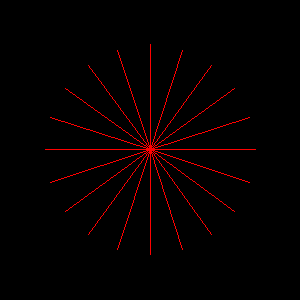
Just to give you an impression, this is our beginning:
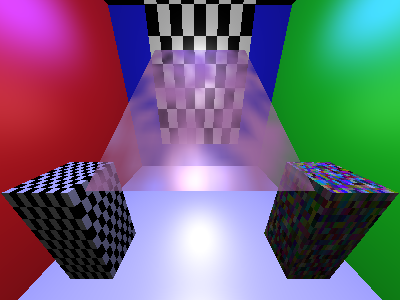
In the end, we will be able to draw something like this (aesthetic sense arguable):
There are of course other resources, like the excellent scratchapixel, but I do think that there is an advantage to being able to have everything, theory and implementation in one package. Setting up a nice programming environment has a lot of advantages by itself, but it also represents an additional hurdle to get started and manage the code progress.
With that out of the way, I hope you have fun!